Perfboard Designer
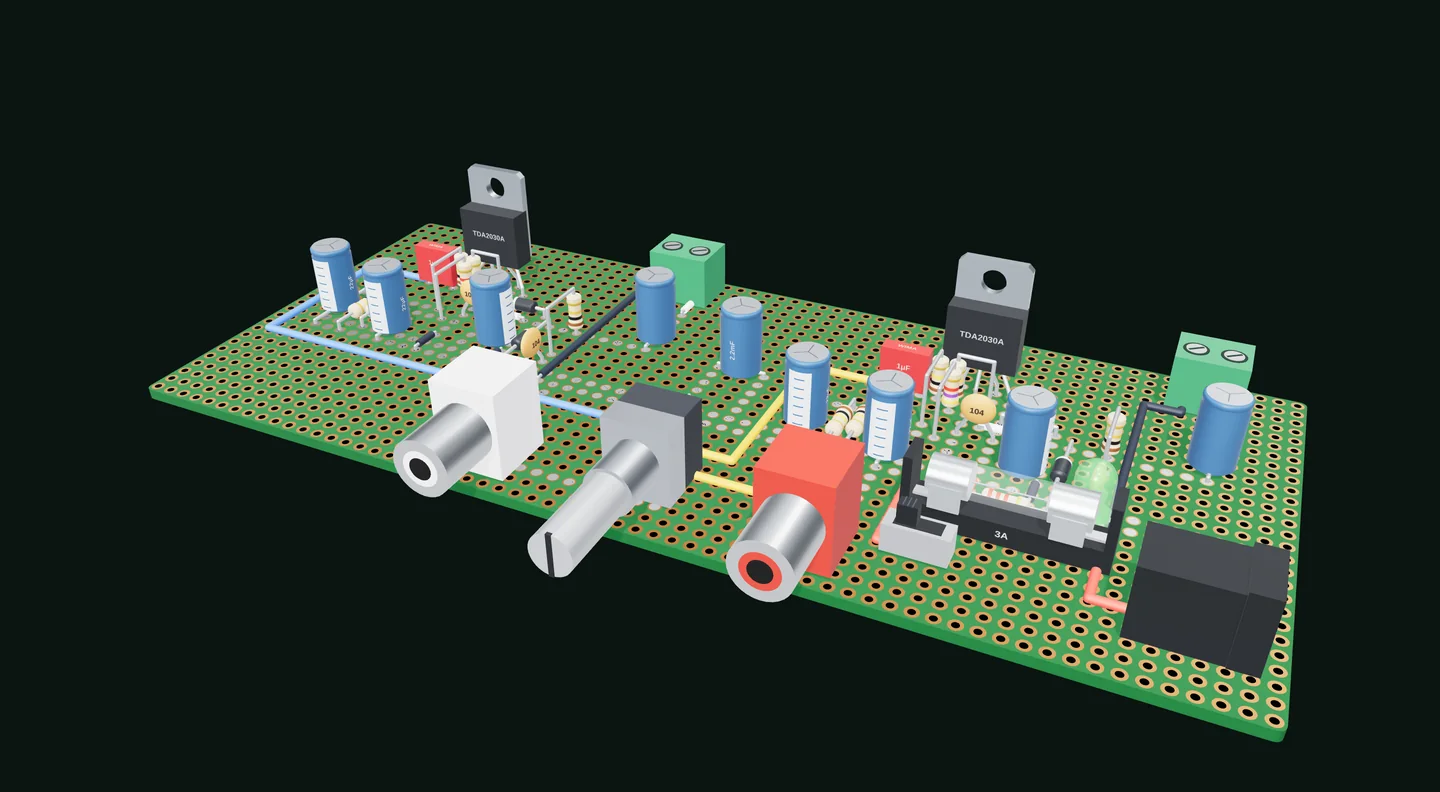
A side project from my electronics hobby: a free, open-source layout editor for perfboard and stripboard circuits. Place real parts on a virtual hole grid, check what's connected, and see the finished board in 3D before you solder.
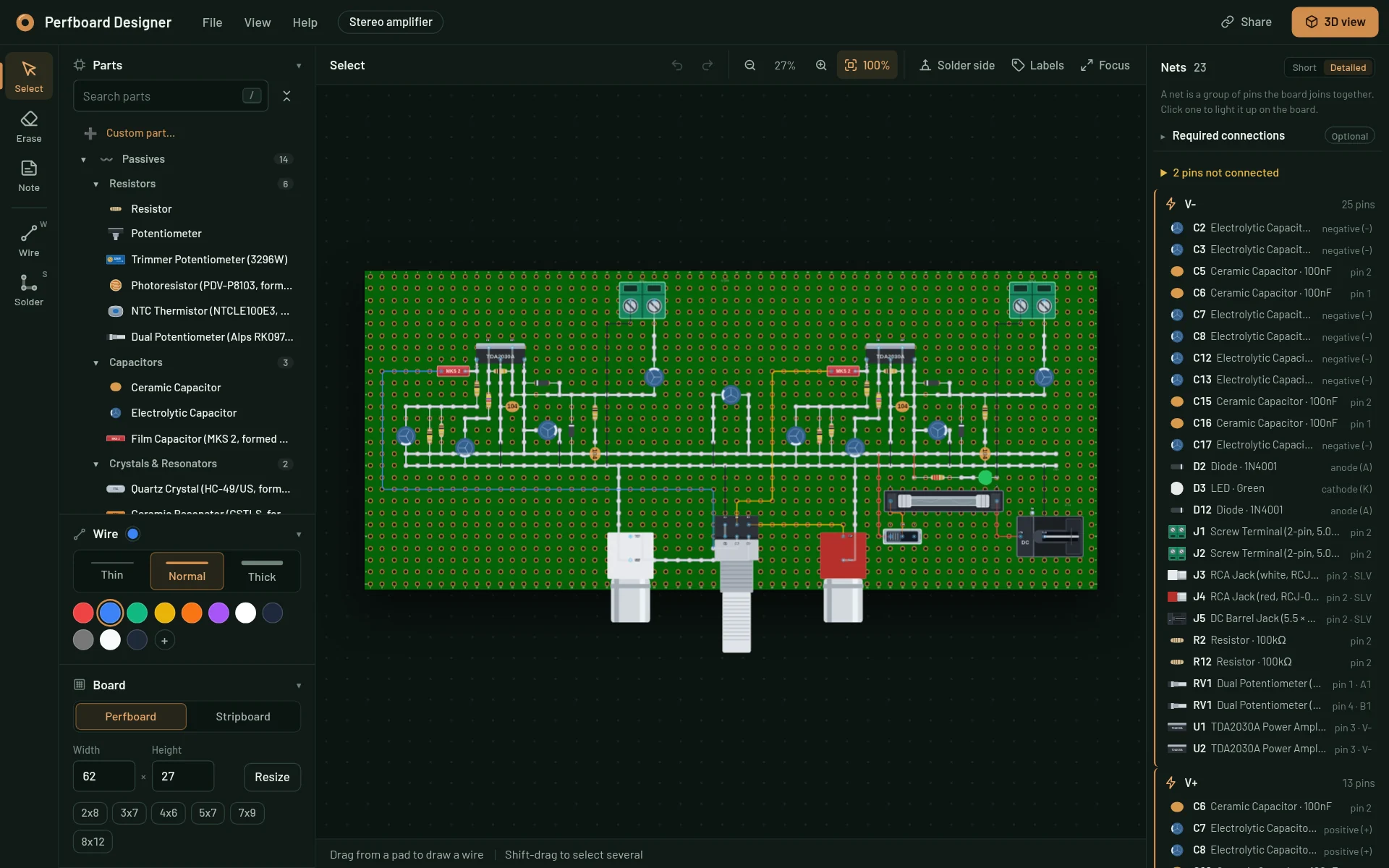
Catch the mistake on screen, not at the soldering iron.
Perfboard is how a lot of hobby circuits get built: a board full of holes, parts pushed through, and wires soldered underneath. The layout is usually planned on paper or in your head, and mistakes show up at the bench, where fixing one means desoldering.
Perfboard Designer moves that planning into the browser. You pick real parts from a library of 170+ components, from resistors and 555 timers to ESP32 dev boards and amplifier chips, place them on a grid that matches your board, and draw jumper wires exactly where you'll solder them. The editor works out what is connected as you go, flags what looks wrong, and renders the finished board in 3D.
It needs no install and no account, and designs stay on your device. It's a hobby project that many people use: I created it and maintain it in my spare time as open source, and other developers contribute to it.
A quick tour
Short clips recorded from the real editor.
Wires the way you solder them
Press W, click one pin, then the other. Empty holes on the way bend the wire.
One click to 3D
Orbit the finished board, jump to angled, top or bottom views, export a .glb.
Live nets
See which pins every wire joins and light a net up on the board.
Stripboard cuts
Cut a strip at any hole, for example under a DIP chip, and click again to mend it.
Catches backwards parts
LEDs and electrolytic capacitors in the wrong way round are flagged on the supply rails.
Share a board as a link
The whole project travels inside the link. No account, no upload.
The layout you draw, the board you'll build
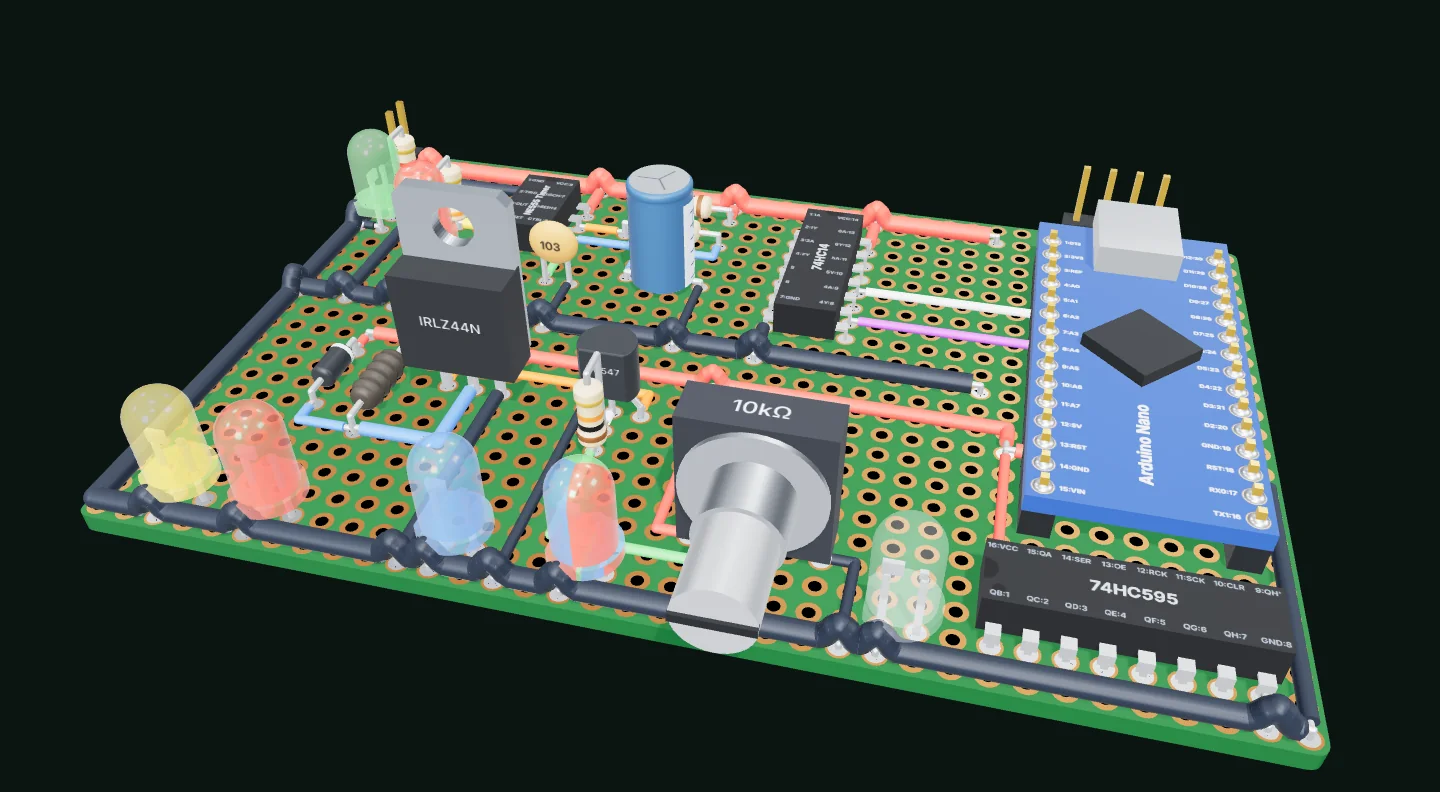
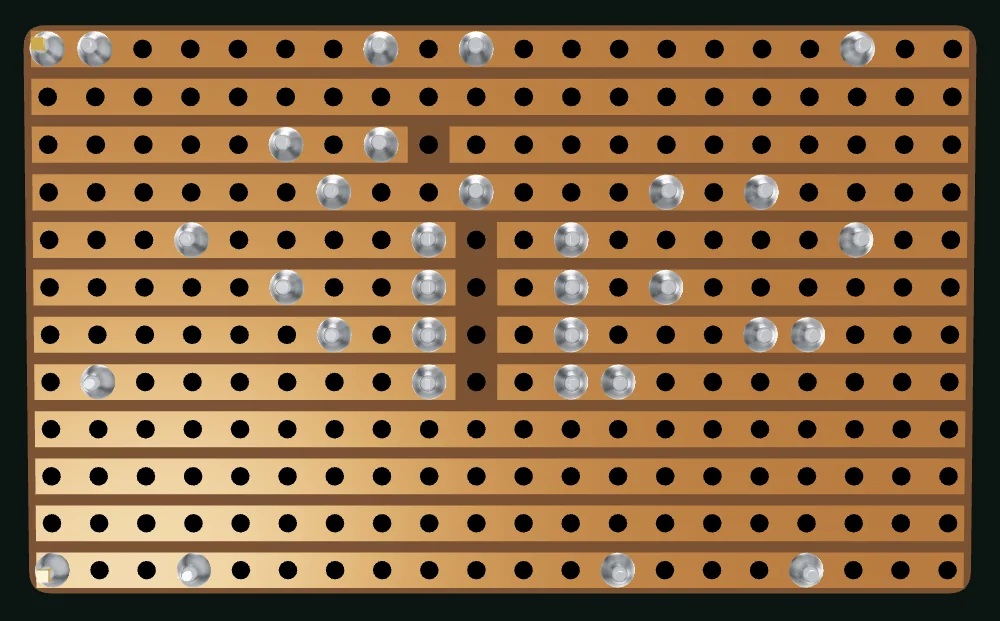
Every layout opens in a 3D model of the finished board: resistors with their colour bands, chips with labeled pins and every jumper wire. Flip it over to check the copper side.
Use the real editor, right here
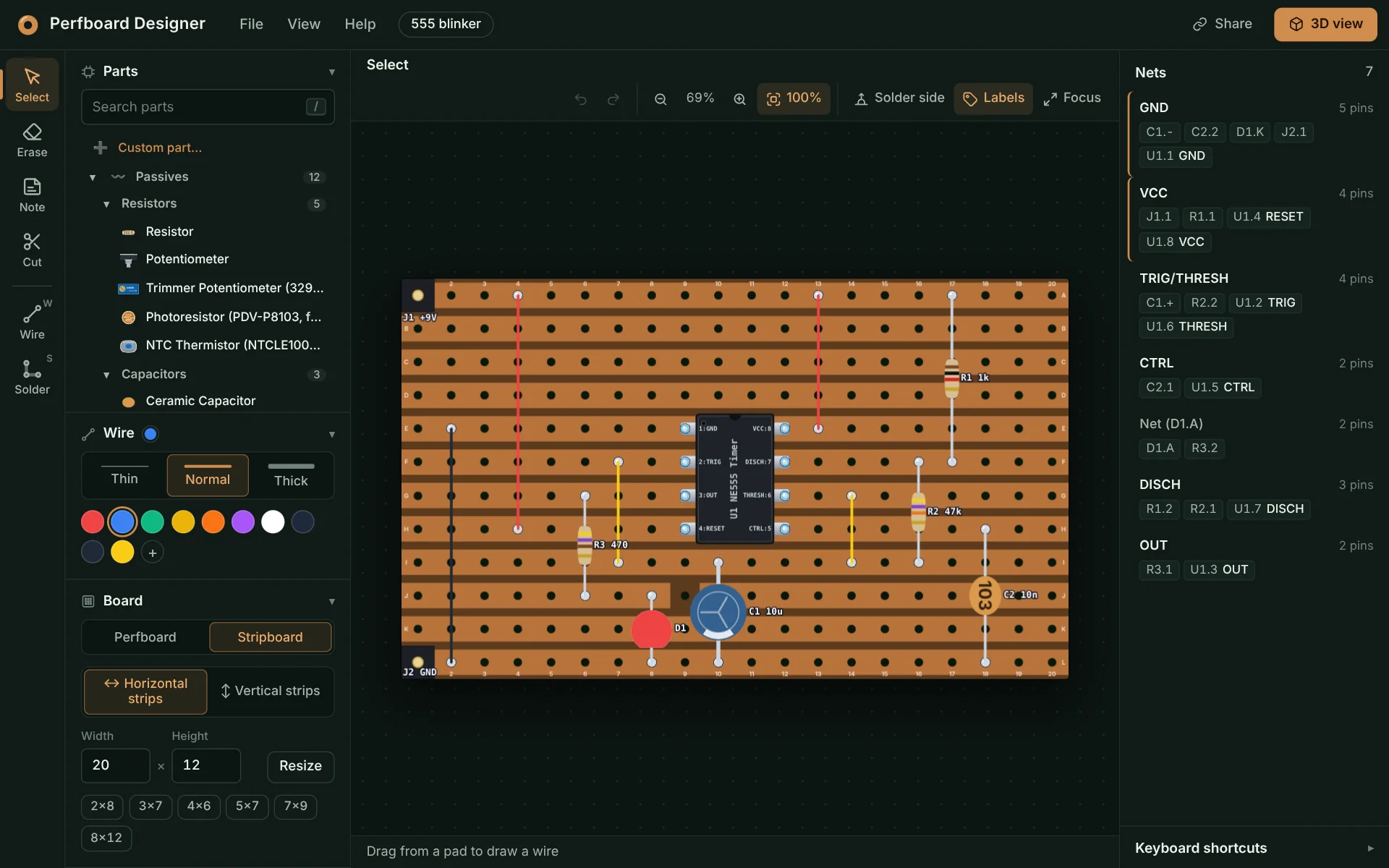
This loads the live app with a 555 LED blinker on stripboard. Drag parts, draw wires, then hit 3D view. It works best with a mouse.
How it's built
TypeScript throughout: a React UI over an editor core that draws the board on an HTML5 canvas, with no state library, bundled by Vite and served from GitHub Pages.
-
One renderer, every output
The editor canvas, PNG and SVG exports, project thumbnails, part icons and the MCP server’s pictures all come from one pure renderer. It has no DOM and no editor state, and draws through a small Painter interface with Canvas and SVG back ends.
-
The project file is the contract
Boards are saved as readable, versioned JSON in grid coordinates, and old files still open. Nets, supply rails and polarity checks are computed from the file alone, so the editor and outside tools always agree.
-
3D only when you ask for it
The three.js viewer only reads the project file and is lazy-loaded, so the editor bundle stays small. It models solder joints and stripped wire ends, and exports the board as a .glb for Blender or CAD.
-
Links that carry the board
Share links put the whole project in the URL fragment, compressed with raw DEFLATE and base64url-encoded, so it never reaches a server. Optional short links are stored by a Cloudflare Worker.
-
An MCP server for AI agents
Published on npm as perfboard-designer-mcp and hosted on Cloudflare Workers with Durable Objects. Agents look up parts and pins, place and route, validate against the netlist they meant, and show the board right in the chat.
-
Desktop-grade editing
Undo and redo, multi-select, copy and paste, a context menu, keyboard shortcuts, notes on any hole, custom parts, and projects saved automatically in the browser.
- TypeScript
- React
- HTML5 Canvas
- three.js
- Vite
- Tailwind CSS
- Model Context Protocol
- Cloudflare Workers
- GitHub Pages
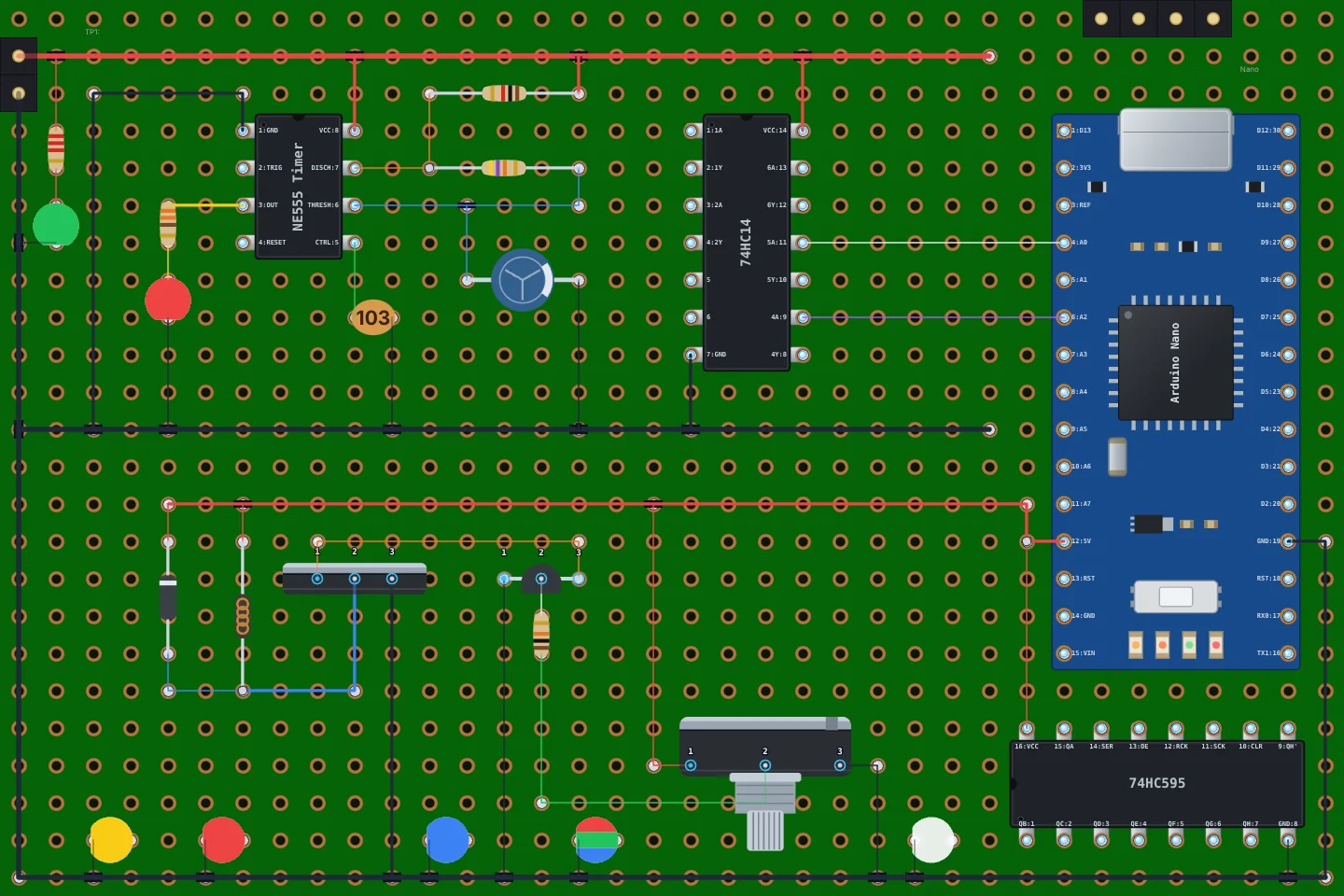
Example boards
Each link opens a copy of the board in the editor. The project travels in the link itself, generated from the project file when this site was built.